How to Take Care of Your Phone Battery: Less Heat, Less Full Charge, Less Heavy Use While Charging
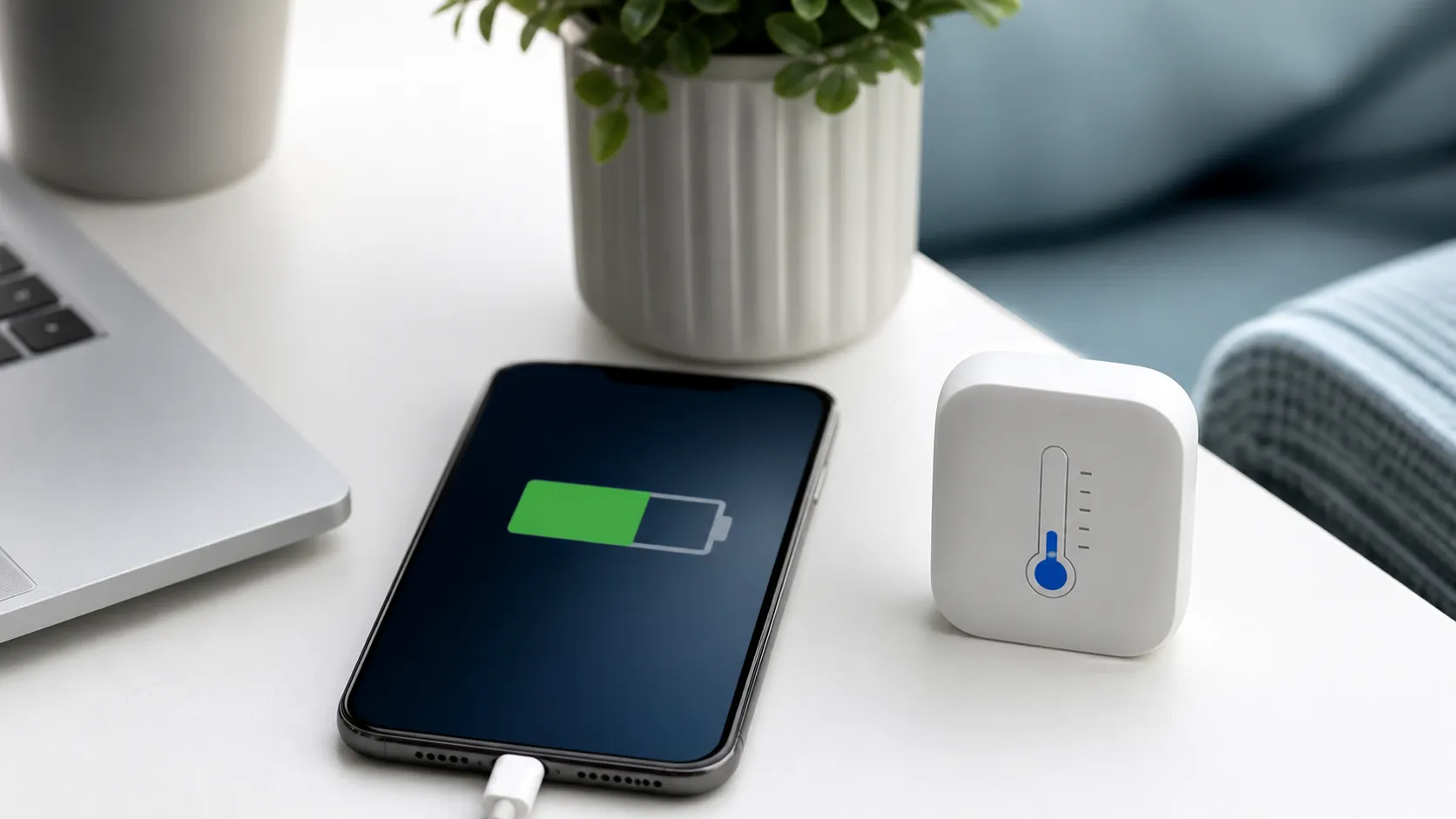
Phone battery aging is normal. It does not always mean your phone is defective. Lithium-ion batteries naturally degrade with charge cycles, heat, usage intensity, and time. The goal is not to obsess over every percent. The goal is to reduce long-term heat, long periods at full charge, and heavy use while charging.
Apple explains that batteries in iPhone 14 and earlier models are designed to retain 80% of original capacity after 500 complete charge cycles under ideal conditions. iPhone 15 models are designed to retain 80% after 1000 complete charge cycles under ideal conditions. Actual capacity depends on how the device is used and charged. Source: Apple Support
Samsung support also notes that Galaxy devices may allow users to set maximum charge levels such as 80%, 85%, or 90%. These battery protection settings can help reduce battery wear by avoiding long periods at 100% charge. Some Galaxy models or system versions include modes such as Basic, Adaptive, and Maximum, with Maximum stopping charging at 80%. Source: Samsung Support
You do not need to worry about occasional full charges, occasional fast charging, or occasional use while plugged in. The bigger issue is repeated stress: charging in heat every night, staying plugged in at 100% for long periods, gaming while fast charging, leaving the phone in a hot car, or using poor-quality charging accessories.
For most people, the best step is to use built-in battery features. iPhone users can check Battery Health & Charging. Samsung and other Android users can look for Battery Protection, charge limits, adaptive charging, or similar options in settings. The names differ by brand, but the goal is similar: reduce time spent at full charge and avoid unnecessary battery stress.
Practical Checklist
First, avoid leaving your phone in hot environments.
Second, turn on optimized or adaptive charging for overnight charging.
Third, consider an 80% to 85% charge limit when the phone stays plugged in for long periods.
Fourth, stop heavy gaming, navigation, or video recording if the phone gets hot.
Fifth, use original or certified charging accessories when possible.
Sixth, consider inspection or replacement if battery health drops significantly or battery life becomes abnormal.
This article is for general consumer technology information only and is not repair, warranty, or technical diagnostic advice.
Related Financial Decisions
Keep using the same cash-flow lens on related decisions.
Personal Finance in 2026: What AI Agents Can Help With, and What They Should Not Do
Agentic AI is moving from chat to task assistance. Learn how AI can help with budgeting, expense sorting, credit card comparisons, and bill reminders while avoiding privacy and financial risks.
techDo Not Pick Internet Service by '1Gbps' Alone: How to Read Broadband Labels
Internet plans should be compared by total price, upload speed, data limits, equipment fees, and post-promotion pricing, not just maximum download speed.
techWhy Your 1Gbps Internet Still Feels Slow: Router, Upload Speed, and Home Network Bottlenecks
Many households upgrade to 1Gbps internet but still experience lag. This guide explains why upload speed, router quality, Wi-Fi coverage, and device setup often matter more than advertised download speed.
SmartLiving Tools
Keep running the numbers with free practical tools.