Passwords Are Not Enough: Important Accounts Should Use MFA
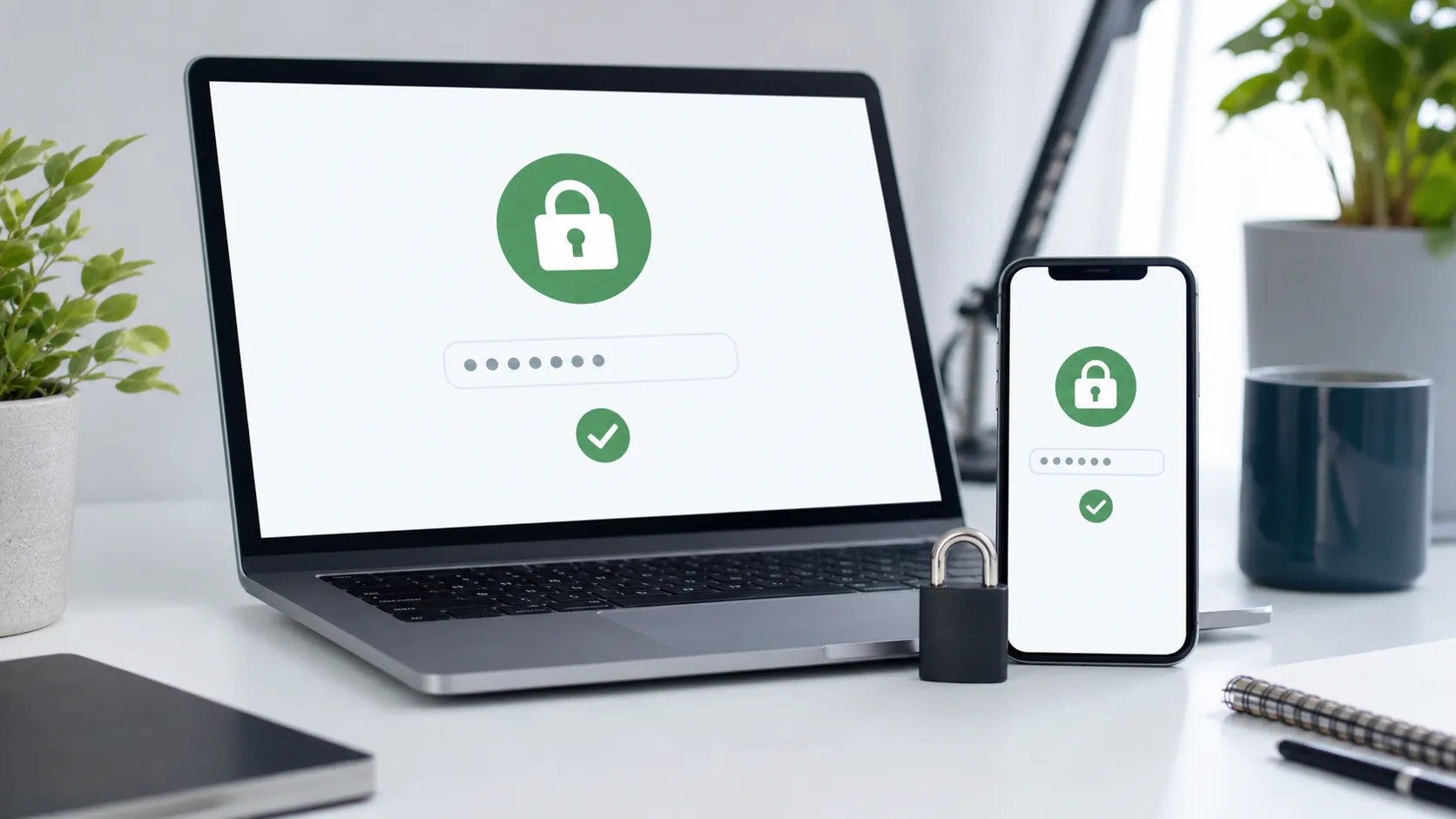
Many people believe a strong password is enough. The problem is that passwords can be stolen through phishing sites, data breaches, reuse across accounts, malware, fake support messages, or social engineering.
If your email account is compromised, attackers may be able to reset your banking, shopping, cloud storage, social media, and investment accounts. For many people, email is the master recovery account.
CISA describes multi-factor authentication, or MFA, as a layered security approach that requires users to present two or more credentials to verify identity. Even if one credential is compromised, an attacker still has to pass another layer. Source: CISA Multifactor Authentication
Common MFA methods include SMS codes, email codes, authenticator apps, push approvals, biometrics, and hardware security keys. They are not all equal. SMS is better than no MFA, but it can be affected by SIM swap attacks, intercepted messages, or compromised carrier accounts. Authenticator apps are often stronger, and hardware security keys can be stronger still for high-value accounts.
The first accounts to protect are email, banking, investment accounts, mobile carrier accounts, payment platforms, cloud storage, and social media. Mobile carrier accounts are easy to overlook. If an attacker takes control of your phone number, they may be able to receive SMS codes and reset other accounts.
After enabling MFA, save backup codes. Many services provide recovery codes that should be stored offline or in a secure place. Do not keep the only copy on the same phone that may be lost, damaged, or replaced.
Practical Checklist
First, enable MFA on your primary email account.
Second, enable MFA on banking, investment, and payment accounts.
Third, prefer authenticator apps or security keys when available.
Fourth, save recovery codes in a safe location.
Fifth, use a different password for each important account.
Sixth, use a password manager for complex passwords.
Seventh, regularly review logged-in devices and recovery email or phone settings.
This article is for general cybersecurity information only and is not enterprise security, legal, or technical audit advice. Consult a professional for high-value or business accounts.
Related Financial Decisions
Keep using the same cash-flow lens on related decisions.
Personal Finance in 2026: What AI Agents Can Help With, and What They Should Not Do
Agentic AI is moving from chat to task assistance. Learn how AI can help with budgeting, expense sorting, credit card comparisons, and bill reminders while avoiding privacy and financial risks.
techDo Not Pick Internet Service by '1Gbps' Alone: How to Read Broadband Labels
Internet plans should be compared by total price, upload speed, data limits, equipment fees, and post-promotion pricing, not just maximum download speed.
techWhy Your 1Gbps Internet Still Feels Slow: Router, Upload Speed, and Home Network Bottlenecks
Many households upgrade to 1Gbps internet but still experience lag. This guide explains why upload speed, router quality, Wi-Fi coverage, and device setup often matter more than advertised download speed.
SmartLiving Tools
Keep running the numbers with free practical tools.