2026 Buying Guide: Should You Buy an NVIDIA GPU or a High-Memory Mac for Local AI?
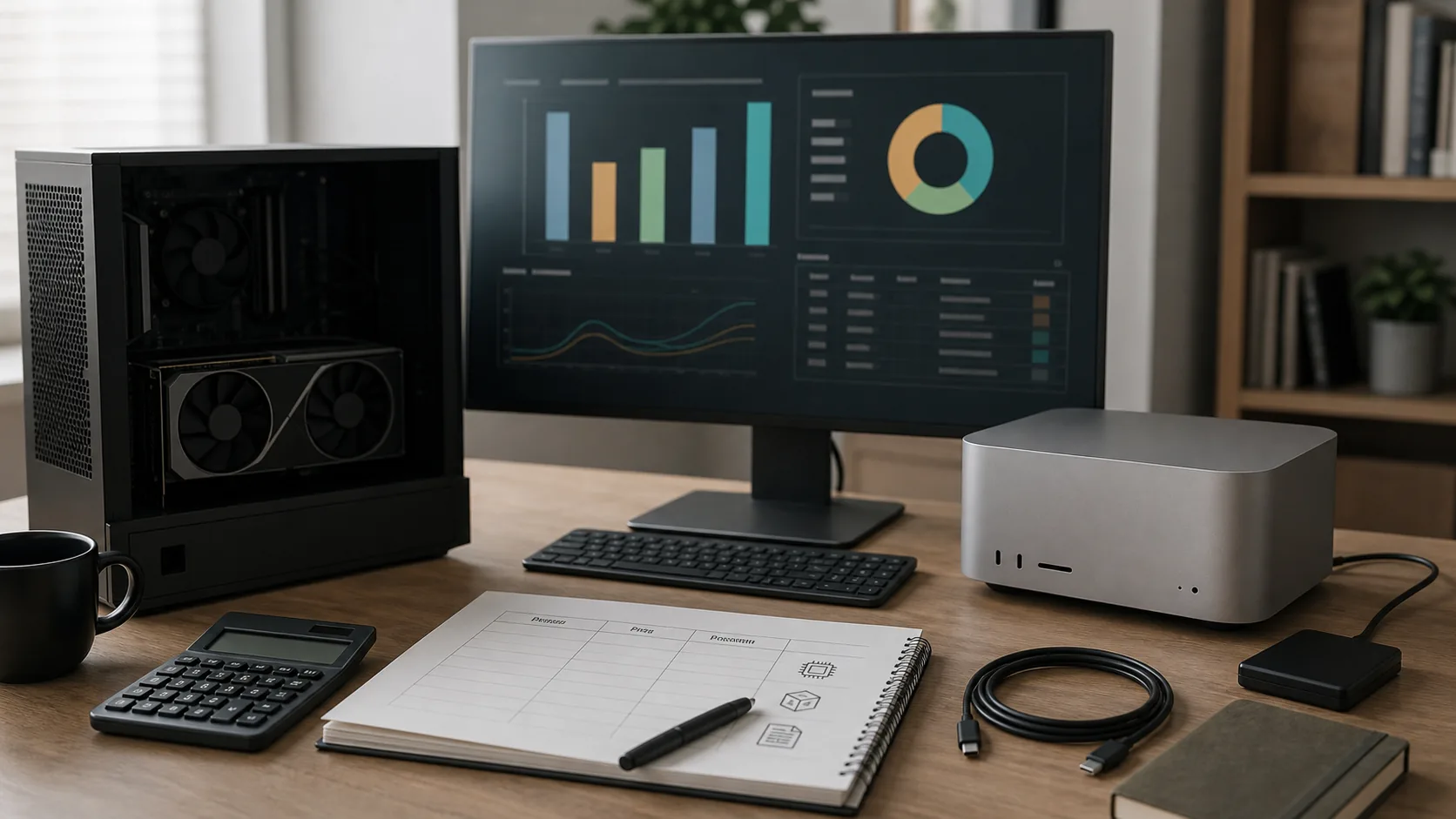
Buying hardware for local AI is dangerous in a very specific way.
It feels responsible.
You are not buying a toy.
You are buying privacy.
Speed.
Independence from cloud tools.
Maybe lower API bills.
Maybe a machine that helps your small business produce more work with less friction.
All of that can be true.
But it can also become an expensive way to avoid answering the real question.
What work will this machine actually do every week?
That is the angle that matters for Smart Living.
Not hardware bragging rights.
Cash flow and workflow.
The Short Answer
If you need CUDA, model training, fine-tuning, PyTorch-heavy workflows, image generation, video generation, or high-throughput inference, start with NVIDIA.
If you mainly want local chat, long document analysis, private knowledge-base search, coding assistance, writing workflows, quiet operation, and a machine that also works as your daily computer, a high-memory Mac can make more sense.
If you are only curious about local AI, do not buy the expensive machine yet.
Use your current computer, a cloud API, or a short-term cloud GPU first.
The most expensive mistake is not buying the wrong spec.
It is buying a powerful machine before your local AI workload actually exists.
VRAM and Unified Memory Are Not the Same Thing
The NVIDIA route is built around VRAM.
The model and workload need to fit into the GPU's dedicated memory if you want the best experience.
NVIDIA's official pages list the GeForce RTX 4090 with 24GB of GDDR6X memory, the GeForce RTX 5090 with 32GB of GDDR7 memory, and the professional NVIDIA RTX 6000 Ada Generation with 48GB of GDDR6 ECC graphics memory. Sources: NVIDIA RTX 4090, NVIDIA RTX 5090, NVIDIA RTX 6000 Ada
The Mac route is built around unified memory.
The CPU, GPU, and related accelerators share one memory pool.
Apple's March 2026 M5 Pro and M5 Max announcement says M5 Pro supports up to 64GB of unified memory, while M5 Max supports up to 128GB of unified memory and up to 614GB/s of memory bandwidth. Apple's 16-inch MacBook Pro technical specifications also state that a MacBook Pro with M5 Max can be configured with 128GB of unified memory; M5 Pro configurations can be ordered with up to 48GB or 64GB depending on the chip option. For a lighter machine, the M5 MacBook Air starts with 16GB of unified memory and can be configured to 24GB or 32GB, with 153GB/s of memory bandwidth. Sources: Apple M5 Pro/M5 Max Newsroom, March 3, 2026, Apple MacBook Pro 16-inch M5 Pro/M5 Max Tech Specs, Apple MacBook Air 15-inch M5 Tech Specs
The point is not simply 32GB versus 128GB.
These are different architectures.
NVIDIA VRAM is like a fast dedicated lane.
It is fast, mature, and deeply supported by AI software, but the lane has a fixed width.
Apple unified memory is like a larger shared workspace.
It can hold bigger local contexts and larger models more comfortably, but it will not automatically beat a high-end NVIDIA GPU in every task.
Do not buy the number.
Buy for the bottleneck.
Where NVIDIA Wins
NVIDIA's biggest advantage is CUDA.
NVIDIA Developer describes CUDA as NVIDIA's accelerated computing platform, the software layer that lets applications use GPUs. It supports programming through languages such as C++, Python, and Fortran, and through GPU-accelerated libraries and frameworks such as PyTorch. Source: NVIDIA CUDA Platform
That matters if your work involves:
Model training or fine-tuning.
PyTorch, vLLM, TensorRT, CUDA kernels, containers, or Linux AI tooling.
Batch image or video generation.
Embedding pipelines.
Local inference services for a team.
Open-source projects whose default path assumes an NVIDIA GPU.
There is also a practical reason.
Many tutorials assume NVIDIA.
Not because nothing else works.
Because years of AI tooling grew around CUDA.
When something breaks, the answer is often easier to find.
That is a real cost.
Setup time is not free.
If your working hours are valuable, fewer environment problems can be worth real money.
Where a High-Memory Mac Wins
A high-memory Mac does not win every benchmark.
Its advantage is that it combines large unified memory, a quiet machine, low setup friction, and a good daily computer experience.
The llama.cpp README says the project aims to enable LLM inference across local and cloud hardware with minimal setup and strong performance. It lists Apple silicon as a first-class citizen through ARM NEON, Accelerate, and Metal optimization, while also supporting NVIDIA GPUs through custom CUDA kernels. Source: ggml-org/llama.cpp
LM Studio's system requirements page says macOS requires Apple Silicon and recommends 16GB or more of memory. For Windows, it recommends at least 4GB of dedicated VRAM. At the time of this check, that page had not yet named M5 separately in its compatibility list, so if you are buying an M5 Mac specifically for LM Studio or a particular local-model backend, verify the app's current support notes before purchase. Source: LM Studio System Requirements
That is the appeal of the Mac route.
You can open LM Studio, Ollama, MLX, or llama.cpp, download a model, and start working.
No power supply upgrade.
No case airflow planning.
No GPU fit issues.
No loud desktop tower sitting under the desk if that is not what you want.
For long documents, private note libraries, writing assistance, coding assistance, customer document review, and local knowledge bases, the large unified memory can be comfortable.
Especially if you already need a new main computer.
Then the Mac is not just an AI box.
It is your daily computer plus a local AI machine.
That changes the cost calculation.
When You Should Not Buy Yet
This section matters more than the spec comparison.
If you do not have a repeatable AI workflow yet, do not start with the flagship machine.
Ask three questions.
How many hours per week will I run local models?
Am I buying local AI for privacy, speed, offline use, client data, or just curiosity?
Are my current AI subscription and API costs actually high enough to justify hardware?
If the answers are vague, wait.
Try a small model on your current computer.
Use cloud APIs for a month.
Rent a cloud GPU for a few short tests.
Keep a simple log.
Which tasks were useful?
Which were just fun for two days?
Which tasks truly needed to be local?
Which were cheaper in the cloud?
Many hardware purchases fail even when the hardware is excellent.
The workflow was never proven.
A Simple Local AI Hardware Budget Table
Before buying, fill in a table like this.
| Budget item | NVIDIA GPU workstation | High-memory Mac | | --- | --- | --- | | Main hardware | GPU, CPU, motherboard, RAM, SSD, case, power supply, cooling | Mac, memory upgrade, SSD upgrade | | Easy-to-miss costs | PSU upgrade, case space, heat, noise, Windows/Linux maintenance | Expensive memory upgrade, no later memory upgrade, AppleCare, external storage | | Main strength | CUDA ecosystem, speed, training and fine-tuning support | Large unified memory, quiet operation, lower power use, daily computer experience | | Main limitation | VRAM ceiling, power draw, driver and environment setup | No native CUDA path, limited upgradeability, expensive configuration mistakes | | Best fit | Developers, researchers, CUDA-heavy users | Creators, consultants, small teams, document-heavy users | | First question | Will my model fit in VRAM? | Do I actually need this much context and memory? |
Then run a first-year cost estimate.
First-year cost = device price + sales tax + accessories + warranty or support + electricity and parallel cloud tools - resale value of old equipment
If the machine is for business, add a separate estimate.
Possible after-tax effect = business-use portion that may qualify × marginal tax rate
That is only a planning estimate.
It is not tax advice.
A $5,000 computer does not become free because it is deductible.
A deduction generally reduces taxable income.
It does not usually reimburse the purchase price dollar for dollar.
That distinction can save you from a bad cash-flow decision.
Section 179: Useful, But Not a Reason to Overspend
Small-business owners, freelancers, C-Corp owners, and LLC owners should understand Section 179.
But it is not magic.
IRS Publication 946 explains that Section 179 lets taxpayers elect to deduct part or all of the cost of certain qualifying property in the year it is placed in service, instead of recovering the cost through depreciation over time. For tax years beginning in 2026, the maximum Section 179 expense deduction is $2,560,000, and the limit begins to phase down when the cost of Section 179 property placed in service during the year exceeds $4,090,000. Source: IRS Publication 946
For an ordinary small business buying AI hardware, the huge headline limit is usually not the real issue.
The practical limits matter more.
IRS Publication 946 says qualifying property must be acquired for business use. Property acquired only for the production of income, such as investment property, does not qualify. If property is used for both business and nonbusiness purposes, it generally must be used more than 50% for business in the year it is placed in service to qualify for Section 179, and only the business-use percentage is considered. Source: same IRS publication.
IRS also explains that after applying the dollar limit, the annual Section 179 deduction is limited by taxable income from the active conduct of a trade or business. Source: same IRS publication.
It also tells taxpayers to keep records identifying the property, how it was acquired, who it was acquired from, and when it was placed in service. Source: same IRS publication.
For local AI hardware, translate that into plain English.
If the machine is mainly used for product development, automation, content production, client work, internal tools, or business data processing, ask your CPA.
If the machine is mainly used at night for experiments and personal curiosity, do not pretend it is fully business equipment.
If it is mixed use, track the business-use percentage in a reasonable way.
The tax question is not whether the purchase feels business-like.
It is whether the records support the treatment.
Three Buying Scenarios
Scenario one: you are curious and budget-sensitive.
Do not buy the flagship setup.
Use your current machine, try small local models, and prove the workflow.
This group is most likely to get pulled in by hardware videos.
Someone runs a huge model locally, and suddenly every normal user feels underpowered.
But for writing help, summaries, light coding, and personal notes, smaller models may be enough for part of the job.
Scenario two: you have a real production workload.
You run batches.
You generate images or video.
You build RAG pipelines.
You create embeddings.
You serve local inference to a team.
You know what CUDA is and why it matters.
In that case, NVIDIA often makes more sense.
Just budget for the whole workstation, not only the GPU.
Scenario three: you want a quiet all-in-one workbench.
You write, edit, code, meet clients, analyze documents, and keep a local assistant running with private files.
You want a strong daily computer and local AI in one machine.
You do not want to spend your weekend debugging drivers.
That is where a high-memory Mac can be compelling.
Not because it is always the cheapest.
Because it removes a lot of friction.
Friction has a cost.
My Default Recommendation
If you are a normal individual user, do not buy the top configuration just because local AI is exciting.
Prove the need first.
If you are technical and your workflow needs CUDA, buy NVIDIA.
If you are a creator, operator, consultant, or small-business owner who cares more about privacy, long documents, low maintenance, and a daily computer experience, consider a high-memory Mac.
If the purchase is for a business, write a one-page justification before buying.
What business process will this machine support?
How many hours per week will it be used?
Which cloud tools or manual work might it replace?
Who maintains it?
Does the workflow involve sensitive data?
Does it fit company device and data policies?
Do you need to ask a tax professional about Section 179, depreciation, or another treatment?
Write that page before checkout.
Many impulse purchases calm down by line three.
That is useful.
AI hardware is tempting.
It makes you feel like one more GPU, one more memory upgrade, or one more workstation will unlock a better version of your work.
Sometimes it will.
But productivity does not come from the box.
It comes from a repeatable workflow.
The machine amplifies the workflow.
If the workflow is real, the right hardware feels amazing.
If the workflow is vague, expensive hardware just makes the uncertainty quieter.
Prove the workload first.
Then let the budget follow.
This article is for general technology, small-business budgeting, and personal finance education only. It is not investment, tax, legal, accounting, procurement, or individualized financial advice. Hardware specifications, prices, availability, software compatibility, model requirements, tax law, and business deduction rules can change. Before buying or claiming any deduction, verify official product pages, invoices, company policy, IRS documents, and advice from a qualified tax professional.
Related Financial Decisions
Keep using the same cash-flow lens on related decisions.
Solo 401(k) vs SEP IRA in 2026: Which Retirement Plan Fits a One-Person Business?
A practical 2026 guide for freelancers, consultants, Shopify sellers, and one-person businesses comparing Solo 401(k) and SEP IRA contribution room, Backdoor Roth issues, Form 5500-EZ, and admin cost.
financeRevenue Grew. Why Did Operating Profit Fall? An Income Statement Walkthrough
Learn gross profit, operating income and net income with a fictional food business, then reconcile P&G's 2026 results. Includes worked calculations and two practice questions with answers.
financeShould You Break a CD After a Fed Rate Hike? Calculate the Switching Cost
A higher CD rate may not cover the early withdrawal penalty. Compare a $20,000 example over the same six months, calculate the break-even rate, and avoid APY and brokered-CD mistakes.
SmartLiving Tools
Keep running the numbers with free practical tools.